TiviMate
Best TV guide and the most “real TV” feel. Great for Fire TV and Android TV.
- Full 7-day TV guide
- Favourites and catch-up
- Premium unlocks recording
IPTV Brits works with the most popular IPTV players. Here is what we recommend for each device, and we’ll set it up with you for free.
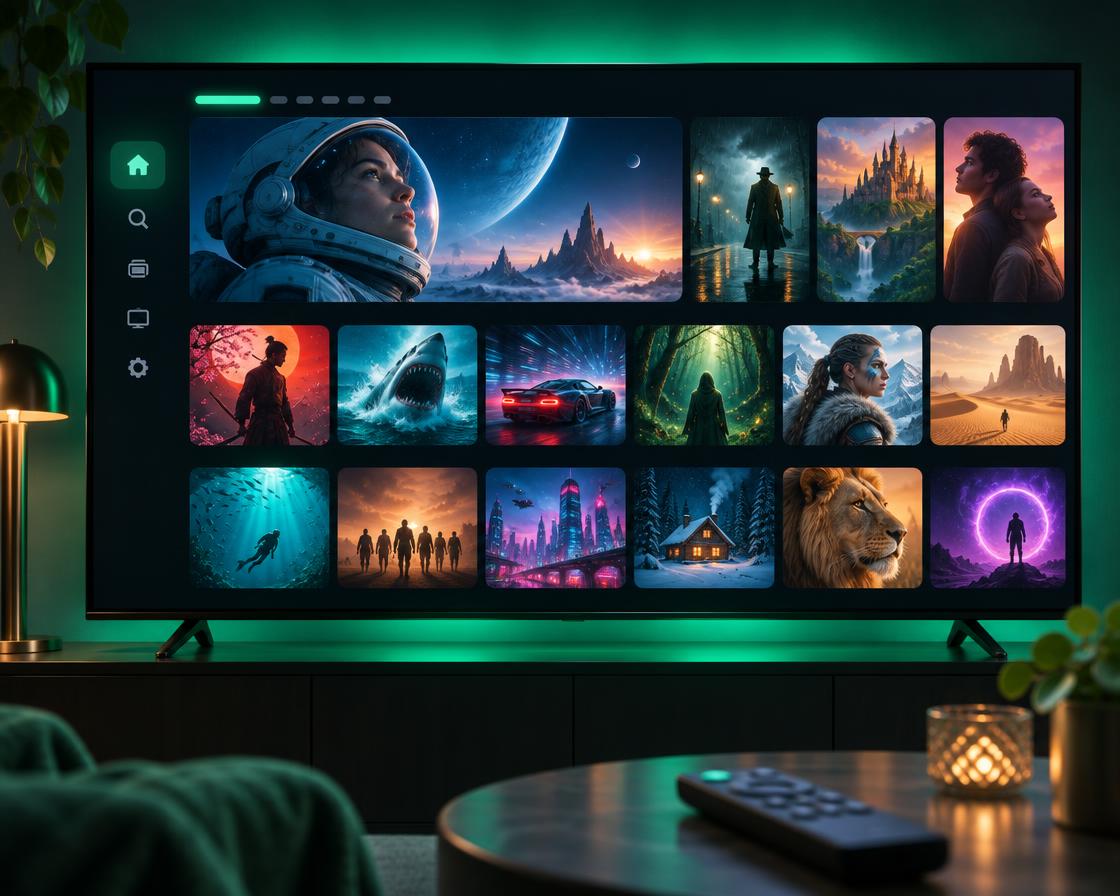
Best TV guide and the most “real TV” feel. Great for Fire TV and Android TV.
Simple, free and available almost everywhere. The easiest place to start.
The go-to choice for Samsung and LG smart TVs. We load your list using the TV’s MAC address.
Fire TV Sticks don’t list every player in the Amazon store. Downloader fixes that in a few clicks.
Search for Downloader on your Fire TV and install it. It’s free.
Open Downloader and type the code for your chosen app.
000000
Install the app, open it and enter your login details. Done.
IPTV Smarters is free. TiviMate and IBO Player have optional or small yearly licences paid to the app makers, not to us.
Yes, but only one stream can play at a time on a standard plan. Ask us about extra connections.
Check your details for typing mistakes, restart the device and try again. Still stuck? Send us a photo of the screen on WhatsApp.